What Is a NAS and Why You Might Need One
Shared files, automatic backups, access from anywhere. See what a NAS is, when it's worth it for a small business or your home, and how it's properly installed.
Published
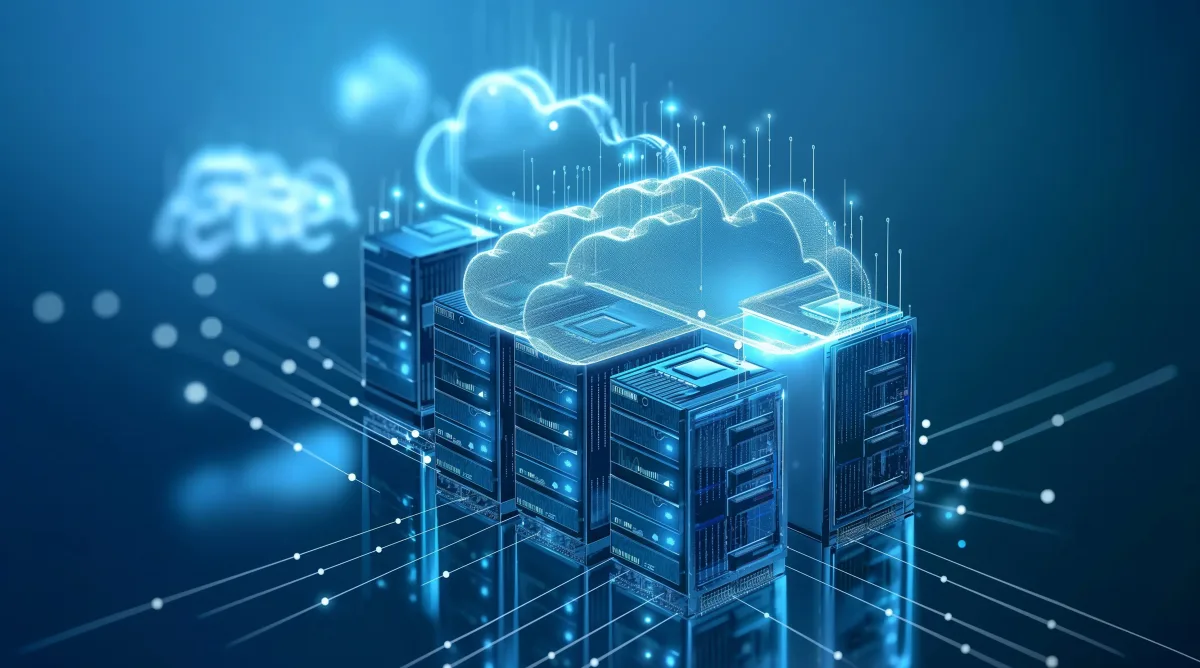
If "a shared folder on one computer" has become a bottleneck in your business, or you're worried about what happens if the drive holding everything fails, a NAS is probably the solution you're looking for.
What is a NAS
A NAS (Network Attached Storage) is a storage device connected to your network, accessible from every computer, without needing a full server. It acts as a central, secure "hard drive" for the whole team.
What it actually offers
- Shared files: everyone works on the same, up-to-date files, without emailing copies back and forth.
- Automatic backup: data from computers is automatically copied to the NAS on a regular schedule.
- RAID protection: data is stored across more than one drive at once, so a single drive failure doesn't mean data loss.
- Remote access: secure access to your files outside the office, whenever needed.
When it's worth it for a small business
When more than 2-3 people share files daily, when there's no structured backup at all, or when the business handles a large volume of files (photos, drawings, accounting records), a NAS usually pays for itself quickly compared to the cost of a potential data loss.
NAS or server?
A NAS is simpler, cheaper, and easier to maintain than a full server, but it can't run complex business applications. For pure storage, file sharing, and backup, it's often the more cost-effective solution without a server's complexity.
Proper NAS installation
A proper installation includes choosing the right RAID configuration for your needs, setting per-user access permissions, an automated backup schedule, and secure remote access — not just "take it out of the box."
MyeliTech designs and installs NAS solutions as part of the Data Protection service, with proper backup configuration, 2FA, and GDPR compliance. Contact us to see if a NAS fits your situation.
Frequently asked questions
The two solutions cover different needs; a NAS gives fast, local control and can work as a complementary local backup.
It's a setup where data is stored across multiple drives at once, so a single drive failure doesn't cause data loss.
Yes, with proper remote access configuration, you can connect securely from anywhere.
It depends on your data volume; MyeliTech recommends the right capacity after assessing your needs.
Related articles

Data Backups: The Safety Net Everyone Remembers Too Late
A failed hard drive or a ransomware attack can wipe out years of work in seconds. Here's why backup isn't a luxury — it's your business's most basic insurance policy.
Read more
Passwords & Password Managers: Why "Kostas1975" Is Exposing Your Business
The same password on ten accounts, written on a sticky note next to the screen. Sound familiar? See why the passwords we "remember" are the number one security gap, what a password manager is, and how a business puts its credentials in order once and for all.
Read more
5 Reasons You Lose Data Without a Backup
Data loss doesn't only come from hackers. Here are the 5 most common ways a business loses its files — and why backup is not a luxury.
Read moreNeed help with this?
See how we can help with: Business IT Management
Ready to upgrade your infrastructure?
Let's talk about your business needs — no commitment.