Building, Upgrading, or Repairing a Gaming PC: A Decision Guide
A new gaming PC from scratch, a targeted upgrade, or repairing your current machine? See what actually affects gaming performance and how to decide correctly.
Published
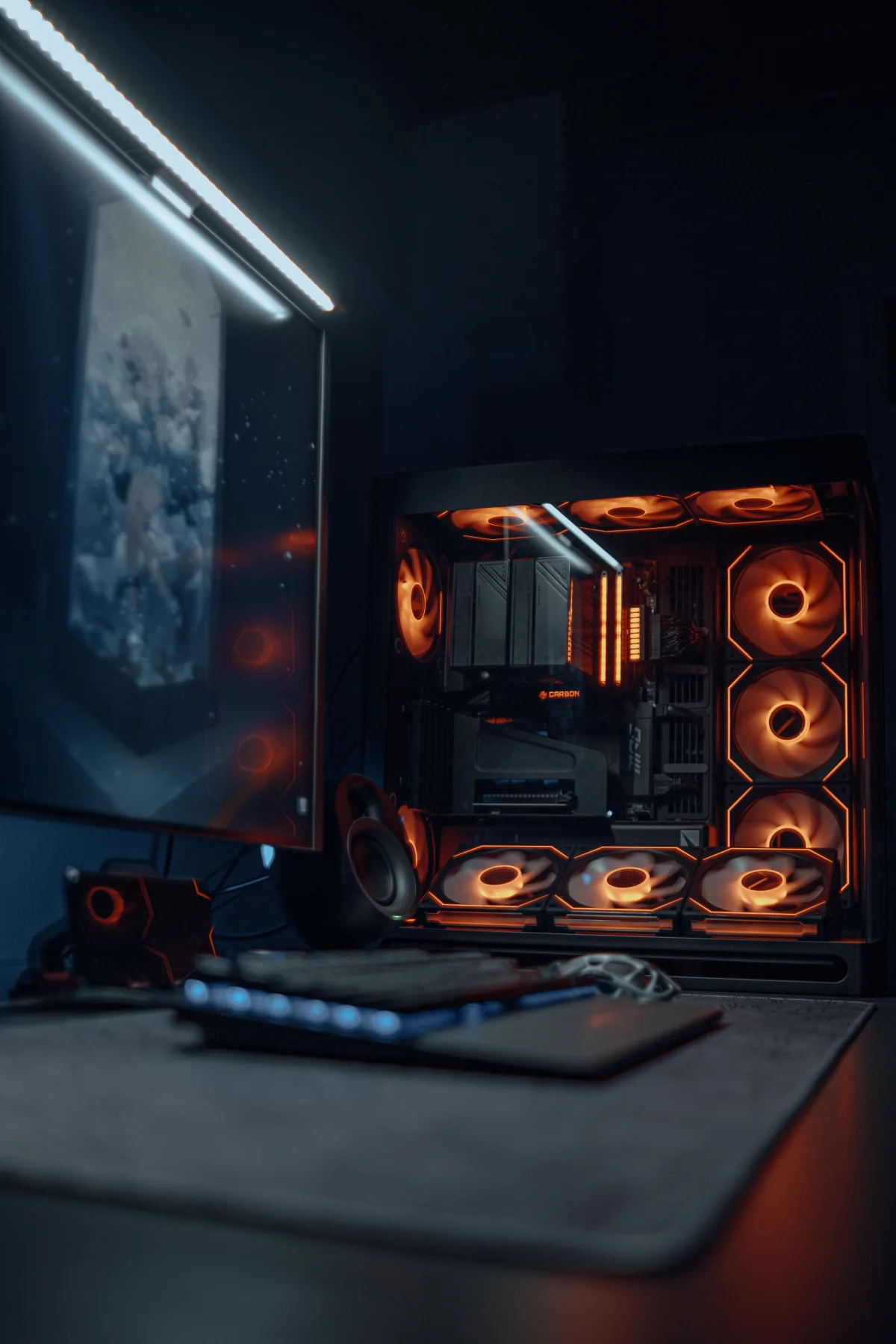
A gaming PC has different requirements from a regular office computer — it needs balance between processor, graphics card, cooling, and power supply, without a "bottleneck" dragging down performance.
Building from scratch
A new gaming PC is designed around your budget and the games or applications it needs to run. Choosing the right components — so they match each other without one being far more powerful or weaker than the rest — is usually where money is wasted when it's done wrong.
When an upgrade beats a new machine
- Graphics card: the most common upgrade for better gaming performance, as long as the power supply and processor can support it.
- NVMe SSD: dramatically cuts game loading times.
- Extra RAM: helps especially when running a game, streaming, and a browser with many tabs at once.
Common problems that need repair
Fan noise, overheating that drags down performance (thermal throttling), instability, or restarts during gaming are often caused by accumulated dust, worn thermal paste, or a power supply that's no longer sufficient for the system.
When there's a "bottleneck"
If you only upgrade the graphics card but the processor is very outdated, the performance gain can be much smaller than expected. Proper diagnosis before any upgrade prevents wasted expense.
How MyeliTech helps
Through the PC & Laptop Service, MyeliTech handles gaming PC builds, upgrades, and repairs, with a recommendation tailored to your actual budget and needs — not a one-size-fits-all package.
Contact us to design the gaming setup that fits you.
Frequently asked questions
It depends entirely on the components and performance target; request a budget-based proposal via myelitech.gr.
Only if the processor and power supply can adequately support it, otherwise the improvement may be limited.
It's usually due to overheating or an insufficient power supply; diagnosis is needed to confirm the exact cause.
Yes, MyeliTech's PC & Laptop Service covers both repairs and upgrades of existing gaming PCs.
Related articles

The Question I Get Asked Most Often
"Is it worth fixing, or should I replace it?" I hear it almost every week, for 25 years now — about computers, servers, networks, even entire infrastructures. And every time, I resist the temptation to give the short answer the person in front of me wants to hear. Here's why.
Read more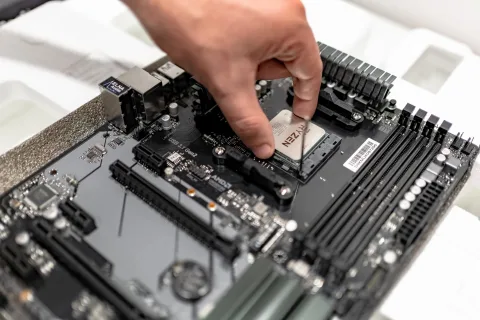
Computer & Laptop Repair, Upgrade and Maintenance: When It's Worth It
Is your business computer freezing, overheating or slowing down? Learn when repair or upgrade makes sense and when it's time to replace it, based on MyeliTech's field experience across Eastern Macedonia & Thrace.
Read more
Server Installation or Upgrade: What Every Small Business Should Know
New server, upgrading an existing one, or moving to the cloud? See the key decision factors and how MyeliTech designs server infrastructure for small businesses.
Read moreNeed help with this?
See how we can help with: PC & Laptop Service
Ready to upgrade your infrastructure?
Let's talk about your business needs — no commitment.