Passwords & Password Managers: Why "Kostas1975" Is Exposing Your Business
The same password on ten accounts, written on a sticky note next to the screen. Sound familiar? See why the passwords we "remember" are the number one security gap, what a password manager is, and how a business puts its credentials in order once and for all.
Published
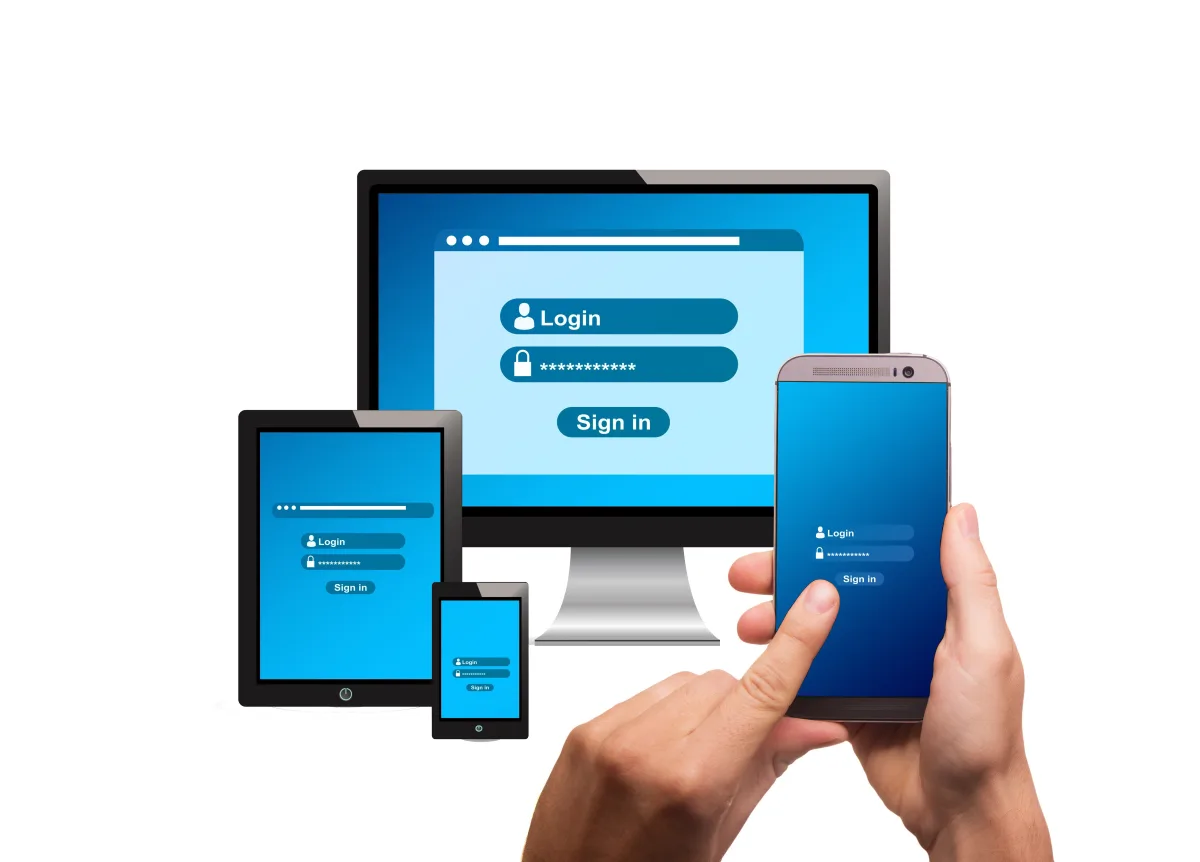
Take a quick, completely private test: the password you use for your email — do you also use it somewhere else? Your e-banking? Some online store? If the answer is "yes" (and statistically, for most people it is), then the security of all those accounts equals the security of the weakest site you've ever entered it into. And nobody needs to "hack" you personally — it's enough for any one of those databases to leak.
The real problem isn't the "weak" password — it's the reused one
We've all heard that a password needs symbols and capitals. The less known — and far more important — part: when a database leaks from any website, attackers automatically try the stolen email/password pairs against hundreds of other services. The technique is called credential stuffing and it's fully automated: no one is targeting you personally — a program is trying the password you used in 2019 on a forgotten forum against your current email. If it's the same, they're in.
And once someone has your email, they hold the key to everything else: every other service's "Forgot my password" ends up right there.
Why your brain isn't the solution
A modern professional has dozens of accounts — email, banks, suppliers, platforms, subscriptions. No human can remember dozens of different, genuinely random passwords. That's how we end up with the classics: the same password everywhere with small variations, kids' names with years, and the sticky note under the keyboard. It's not laziness — it's mathematics. The problem isn't solved with "more memory effort"; it's solved with a tool.
What a password manager is — in plain terms
A digital safe: it stores all your passwords encrypted, and you now remember only one — the master password that unlocks it. From there:
- It generates unique, random passwords for every account — since you don't need to remember them, they can finally be genuinely strong and different everywhere.
- It fills them in automatically on sites and apps — faster than typing.
- It also acts as a phishing shield, in a way few people realize: the manager fills in your password only on the genuine site address. On a fake copycat page, it simply… fills in nothing — and that "silence" is your alarm bell.
- It syncs across computer and phone, so your credentials are with you everywhere, always encrypted.
For the business: where the manager becomes essential
In a company environment, the password problem has an extra dimension that hurts: sharing. The password for the company email, the e-banking, the suppliers, the Facebook page — who knows it? On how many sticky notes and in how many "passwords.xlsx" files does it circulate? And most critically: when a collaborator leaves, what exactly do you change — and how are you sure you didn't miss something?
Business editions of password managers solve exactly this: shared vaults per team or role, where each person sees only what they need, passwords are shared without ever being revealed in chats and emails, and when someone departs, their access is revoked in one click — and you know exactly which credentials need rotating.
The three rules that complete the protection
- The master password is sacred: long (a phrase works better than a "difficult" short one), unique, and never stored digitally. It's now the only one you need to remember.
- 2FA everywhere it's offered: the combination of a password manager + multi-factor authentication means even a stolen password isn't enough to get in. Start with email and banking.
- Set up recovery from day one: every serious manager offers an emergency recovery process (a rescue code/key). Print it, keep it in a safe physical place — it's your safety net.
A glance at the future, too: more and more services now support passkeys — passwordless sign-in using your fingerprint or device. Modern password managers handle those as well, so investing in organization today also prepares you for the next step.
Where to start — without changing everything in one day
- Choose a tool (reliable options exist in every category — the right one depends on your size and way of working).
- Start with the 5-10 most critical accounts: email, banking, government portals, the business's social accounts — a new unique password for each + 2FA.
- Change the rest gradually, each time you log in somewhere. Within a few weeks, everything is in order — without it ever feeling like a project.
How MyeliTech helps
For a team, moving to organized credential management takes planning: choosing the right solution, structuring vaults by role, migrating existing passwords, enabling 2FA on the critical accounts, and a short staff briefing so the tool actually gets used. That's exactly what we do at MyeliTech through the Data Protection service — along with 2FA, backup, and GDPR compliance — for businesses in Drama, Serres, Kavala, and across Greece.
If your business's passwords still live on sticky notes and Excel files, contact us via myelitech.gr — one meeting is enough to set the plan and be done with it, once and for all.
Frequently asked questions
Serious password managers encrypt data so that not even the provider itself can read it. The combination of a strong master password and 2FA makes the "safe" more secure than any alternative — certainly more than sticky notes and reuse.
That's why the recovery process (a rescue code/key) is set up from day one and kept printed in a safe physical location.
It's better than nothing, but standalone solutions offer stronger protection and — critically for businesses — team management, shared vaults, and role-based access control.
With an organized business password manager, their access is revoked immediately and you can see exactly which credentials they had access to, so those get rotated specifically — instead of blindly changing whatever you remember.
Passwordless sign-in using your device or biometrics — progressively supported by more and more services. Modern password managers handle them too, so no extra action is needed right now.
Related articles

Data Backups: The Safety Net Everyone Remembers Too Late
A failed hard drive or a ransomware attack can wipe out years of work in seconds. Here's why backup isn't a luxury — it's your business's most basic insurance policy.
Read more
Cybersecurity for Small Businesses: 5 Threats You Don't See
You don't need to be technical to protect your business. Learn the 5 most common threats and the simple steps that make the difference.
Read more
What Is a NAS and Why You Might Need One
Shared files, automatic backups, access from anywhere. See what a NAS is, when it's worth it for a small business or your home, and how it's properly installed.
Read moreNeed help with this?
See how we can help with: Data Protection & Backup
Ready to upgrade your infrastructure?
Let's talk about your business needs — no commitment.