Computer & Laptop Repair, Upgrade and Maintenance: When It's Worth It
Is your business computer freezing, overheating or slowing down? Learn when repair or upgrade makes sense and when it's time to replace it, based on MyeliTech's field experience across Eastern Macedonia & Thrace.
Published
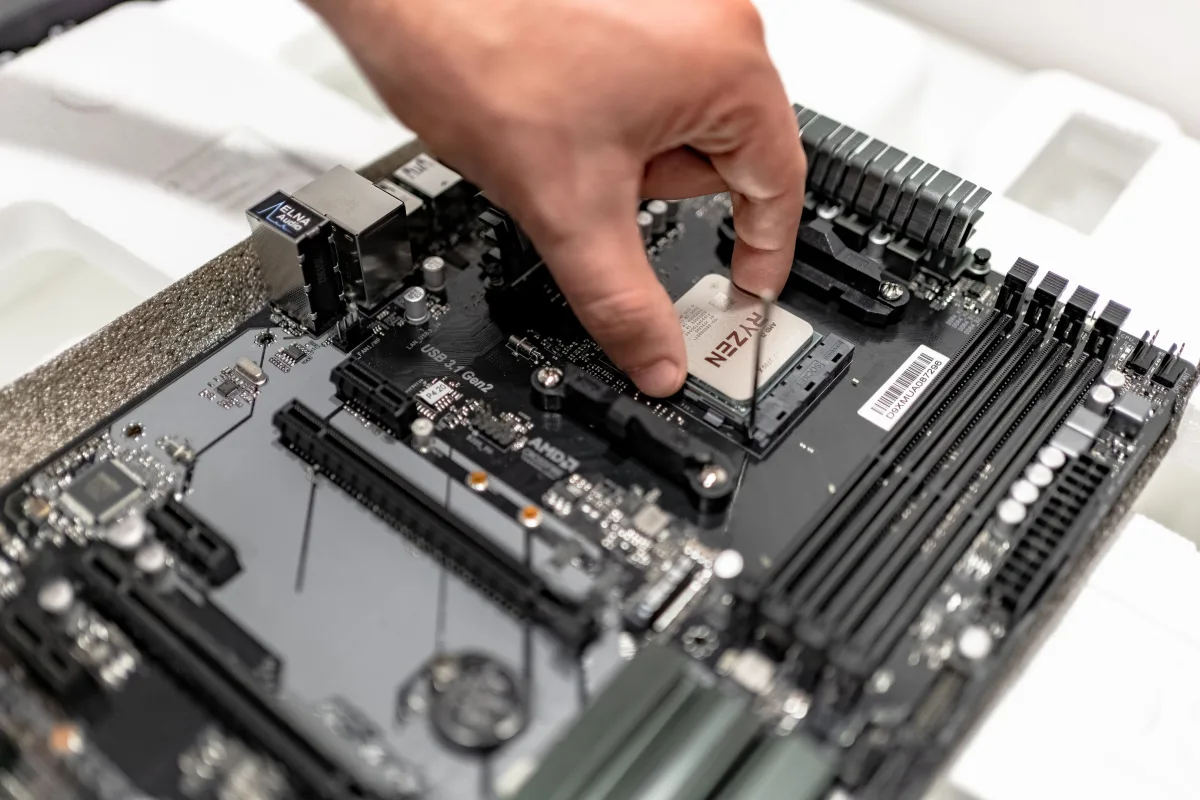
A slow or freezing computer is not just an annoyance. It means lost time, missed appointments, and often, lost data. At MyeliTech, based in Drama, we support businesses across Eastern Macedonia & Thrace, and we hear the same question every day: "Should I repair it or buy a new one?" Let's break it down.
Warning signs you shouldn't ignore
Several signs appear before a full breakdown happens:
- Slow startup or freezing during simple tasks (browsing, email, Excel)
- Overheating and loud fan noise
- Sudden blue screens or random restarts
- Laptop battery draining within a short time
- Strange noises from the hard drive (clicking, grinding)
The last one is the most serious: it usually means the mechanical hard drive (HDD) is close to failure, risking permanent file loss. At that point, it's no longer about "upgrading" — it's an urgent action.
Repair, upgrade or replace?
The decision depends on three factors: the machine's age, the repair cost relative to its value, and your actual business needs.
Repair or upgrade makes sense when: the machine has a decent processor but is held back by an old hard drive or too little memory. Replacing a classic HDD with an SSD (solid-state drive, with no moving parts and far higher speed) is often the single most cost-effective upgrade available — a computer that frustrates its user daily can become fast again for a fraction of the cost of a new machine.
It's not worth it when: the motherboard or processor has failed on a machine that's 6+ years old, or when the repair cost exceeds 50% of a replacement's value. In that case, investing in new equipment is the smarter long-term choice.
Why regular maintenance matters
Most failures don't happen suddenly — they build up silently. Dust clogging the fans, delayed software updates, drives running with no free space to breathe. Scheduled maintenance (cleaning, drive health checks, updates, backups) catches the problem before it stops your work, not after.
For businesses depending on specific software (accounting, POS, ERP systems), this matters even more: a failure during peak hours means lost sales or missed deadlines.
How we work at MyeliTech
We don't recommend replacing equipment without reason. We diagnose first, explain the problem in plain terms, and give you realistic options — repair, upgrade or replacement — with the real cost-benefit of each. We support businesses in Drama, Kavala, Xanthi, Komotini and surrounding areas, both on-site and remotely where possible.
If your business computer or laptop is showing any of these signs, it's better to check it early than to wait for a total breakdown.
Related articles
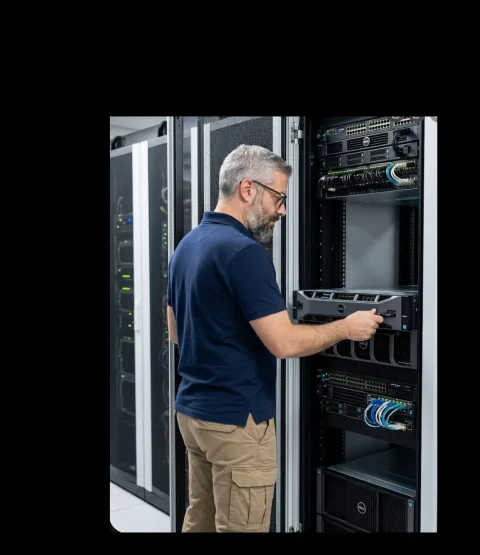
The Question I Get Asked Most Often
"Is it worth fixing, or should I replace it?" I hear it almost every week, for 25 years now — about computers, servers, networks, even entire infrastructures. And every time, I resist the temptation to give the short answer the person in front of me wants to hear. Here's why.
Read more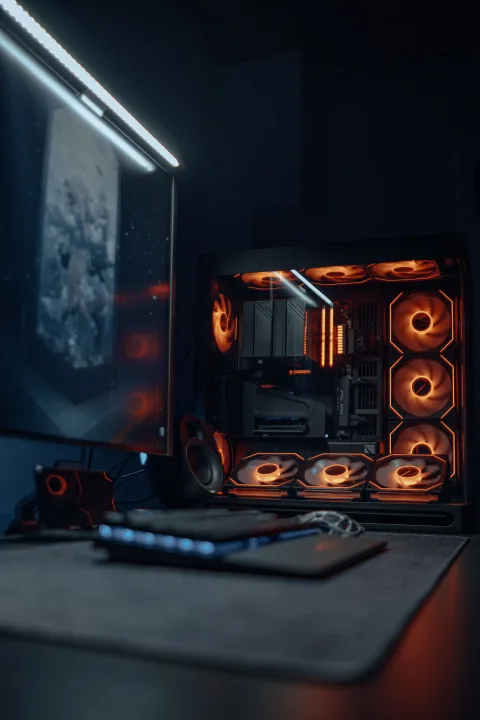
Building, Upgrading, or Repairing a Gaming PC: A Decision Guide
A new gaming PC from scratch, a targeted upgrade, or repairing your current machine? See what actually affects gaming performance and how to decide correctly.
Read more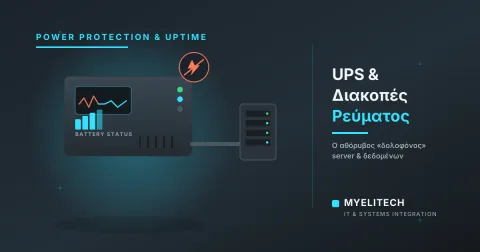
UPS & Power Outages: The Silent Killer of Your Servers and Data
A two-second power cut can cost hours of recovery — or data that never comes back. What outages actually do to servers, NAS units and computers, what a UPS does (and does NOT do), and the three mistakes that cancel its protection.
Read moreNeed help with this?
See how we can help with: PC & Laptop Service
Ready to upgrade your infrastructure?
Let's talk about your business needs — no commitment.