Server Installation or Upgrade: What Every Small Business Should Know
New server, upgrading an existing one, or moving to the cloud? See the key decision factors and how MyeliTech designs server infrastructure for small businesses.
Published
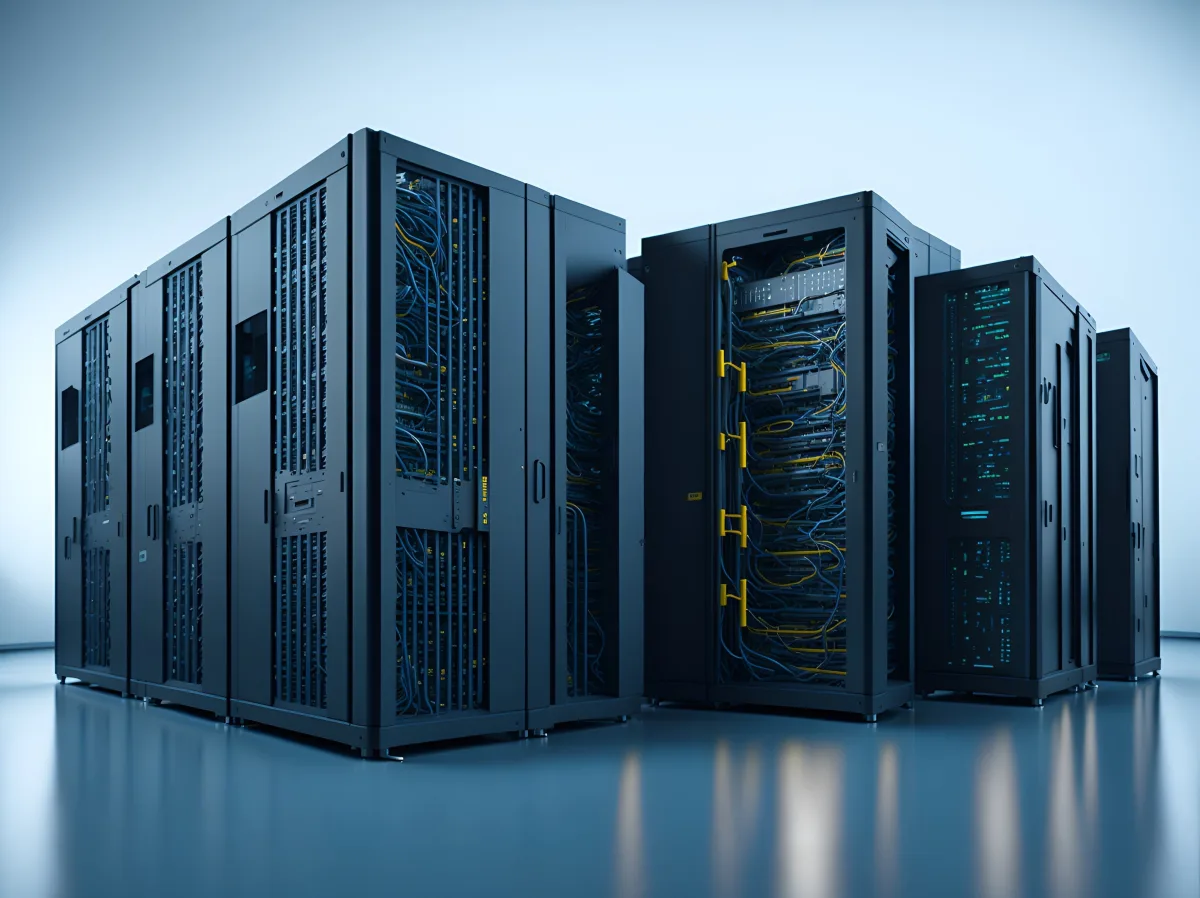
The server is the "heart" of a business's IT — that's where data, applications, and often email itself live. The decision to get a new server, upgrade an existing one, or move to the cloud shouldn't be rushed.
When upgrading the existing server is enough
If the hardware is relatively recent but performance has dropped, often adding RAM, upgrading to SSD/NVMe drives, or reorganizing the software running on it is enough, without needing a full replacement.
When a new server is needed
- The hardware is now too old to support modern software or security updates.
- The business has grown significantly in user count or data volume.
- Frequent failures or unpredictable downtime have become a recurring problem.
On-premise server or cloud?
An on-premise server offers full control and doesn't depend on an internet connection for core functions, while a cloud solution reduces upfront cost and makes access from anywhere easier. Many small businesses end up with a hybrid solution, depending on what their software requires.
Steps of a proper installation
- Needs assessment: recording existing infrastructure and actual requirements.
- Design: choosing hardware/software based on the business's size and goals.
- Implementation: installation and configuration with minimal downtime.
- Ongoing support: proactive monitoring, so problems are caught before they affect operations.
How MyeliTech does it
MyeliTech's Business IT Management service covers the design, installation, and management of servers, databases, and business applications, aimed at seamless operation. We also take over existing infrastructure, always starting with an audit before any change.
Request an IT Audit & Design consultation for your business's server.
Frequently asked questions
Usually every 5-7 years, depending on usage and software requirements; proactive maintenance can extend its lifespan.
With proper planning, downtime is kept to a minimum, usually scheduled outside business hours.
An on-premise server offers full control without depending on internet access, while a cloud solution has lower upfront cost and easier access from anywhere.
Yes, always starting with an audit of the current setup before making any changes.
Related articles
UPS & Power Outages: The Silent Killer of Your Servers and Data
A two-second power cut can cost hours of recovery — or data that never comes back. What outages actually do to servers, NAS units and computers, what a UPS does (and does NOT do), and the three mistakes that cancel its protection.
Read more
The Question I Get Asked Most Often
"Is it worth fixing, or should I replace it?" I hear it almost every week, for 25 years now — about computers, servers, networks, even entire infrastructures. And every time, I resist the temptation to give the short answer the person in front of me wants to hear. Here's why.
Read more
What Is a NAS and Why You Might Need One
Shared files, automatic backups, access from anywhere. See what a NAS is, when it's worth it for a small business or your home, and how it's properly installed.
Read moreNeed help with this?
See how we can help with: Business IT Management
Ready to upgrade your infrastructure?
Let's talk about your business needs — no commitment.